What’s New?
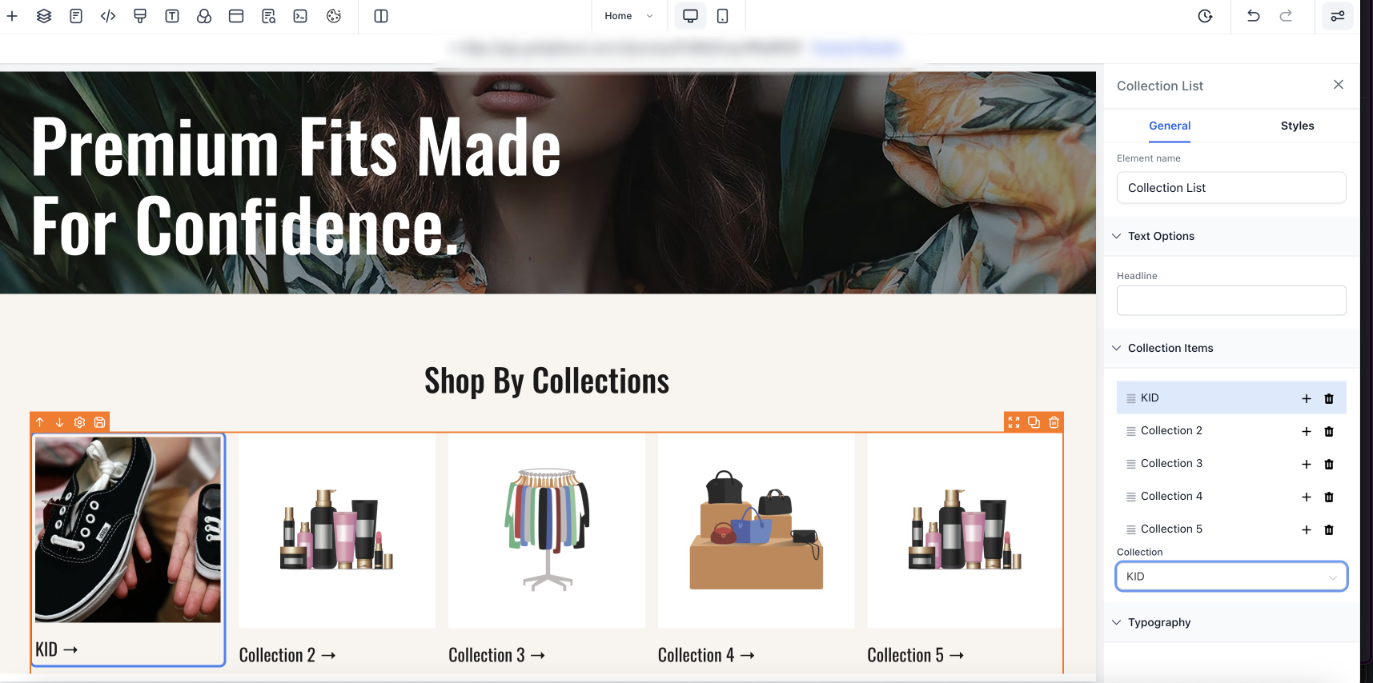
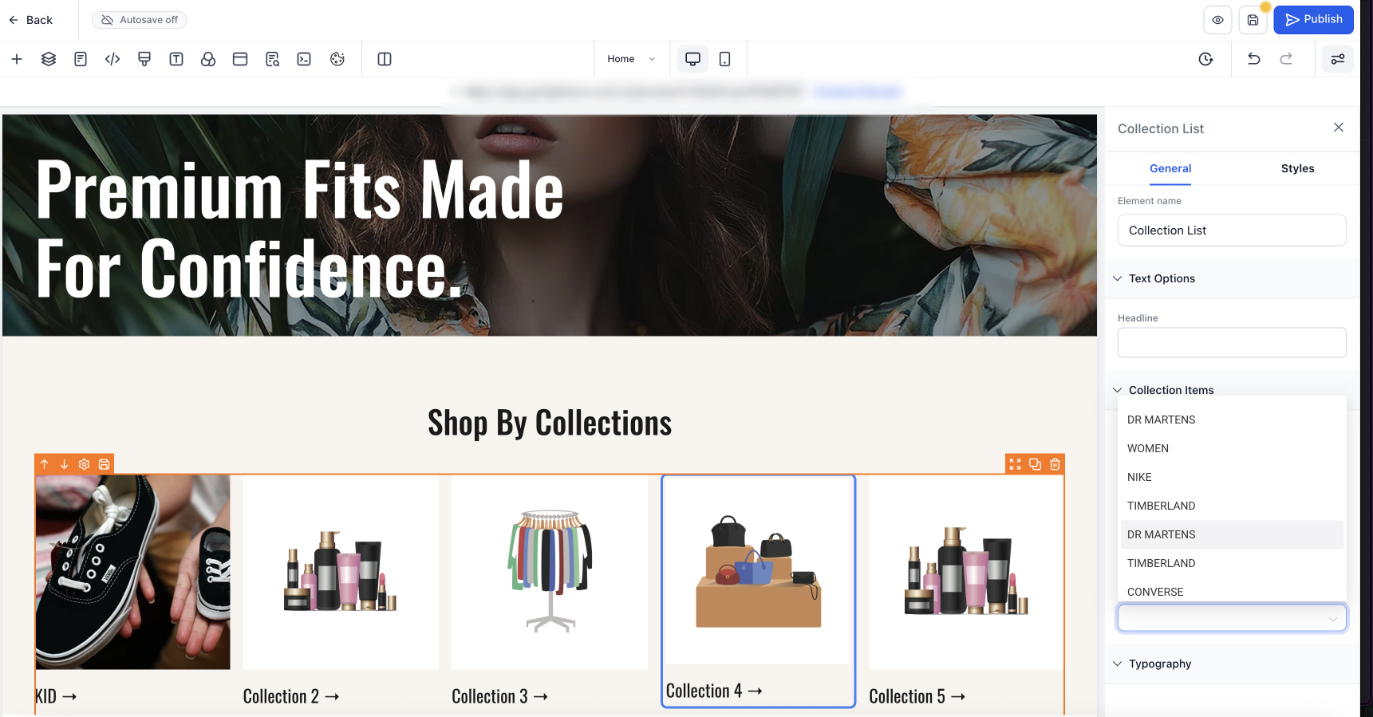
We’ve improved how users connect and manage products or collections in the builder with new, intuitive micro-interactions on the canvas. This update simplifies selection and configuration directly within the editor — no need to jump between menus or side panels.
Key Highlights:
- Direct Canvas Selection:
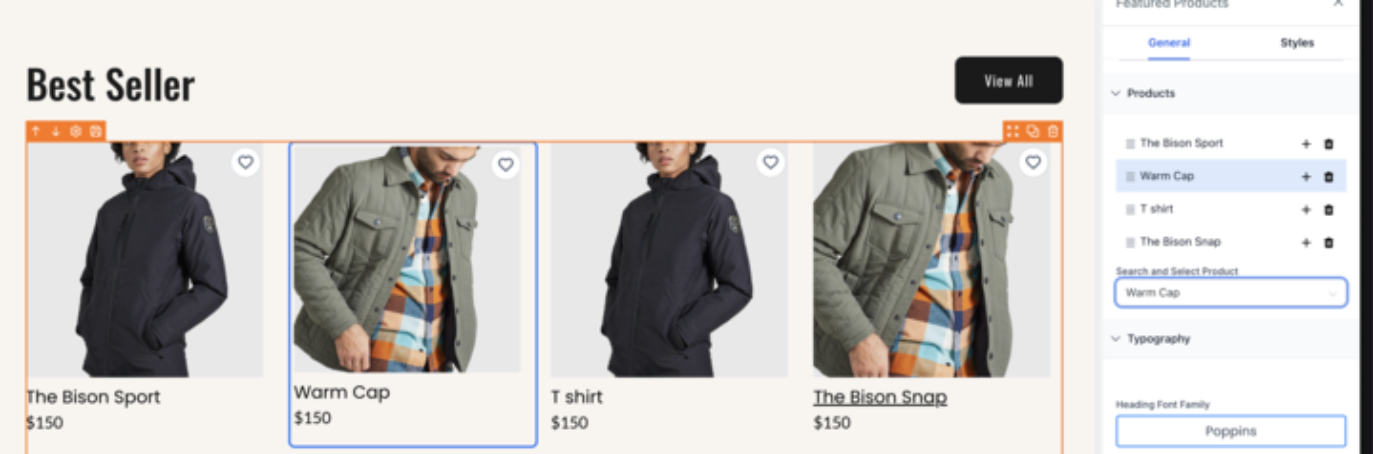
- Users can now double-click items on the canvas to select or configure them directly.
- For unmapped items, the selection drawer automatically opens for quick assignment.
- For already mapped items, the selected product or collection is highlighted for clarity.
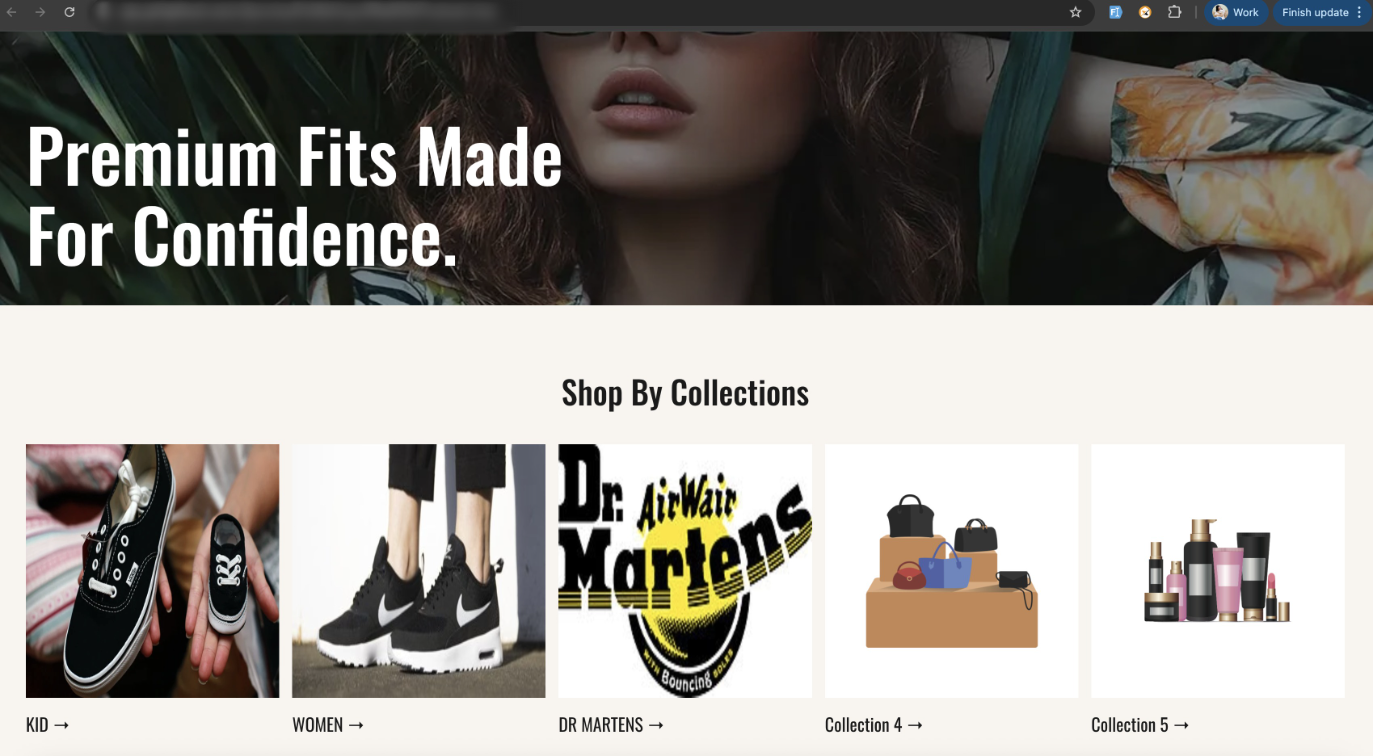
- Two-Way Sync:Any selection change reflects instantly between the builder canvas and sidebar drawer.
- Visual Feedback:Selected items now display a subtle highlight or border for improved visibility.
How It Works
- Item selection applies only to Featured Product and Collections Liststore elements.
- For elements not yet mapped, double-clicking opens the dropdown drawer for selection.
- For mapped elements, double-click simply highlights the selected item.
- The selection orderremains consistent even when items are added or removed.
Points to Note:
- Item selection on the canvas applies only to the Featured Products and Collections List Store elements.
- For items not mapped to real products or collections, the item selection dropdown drawer will open. For those already mapped, selecting them will simply highlight the corresponding item.
- The selection order is maintained even when items are added to or removed from the element.
Images:
Was this article helpful?
That’s Great!
Thank you for your feedback
Sorry! We couldn't be helpful
Thank you for your feedback
Feedback sent
We appreciate your effort and will try to fix the article